 Formbench
Map, photo, video and 3D links in reports
Links in the PDF open viewer pages, so your client can see where a photo was taken, watch a video or turn a 3D scan.
Reports can include links under photos, videos, scans and panoramas. Anyone with the report can open them in a browser, with no sign-in.
| Link | What opens |
|---|---|
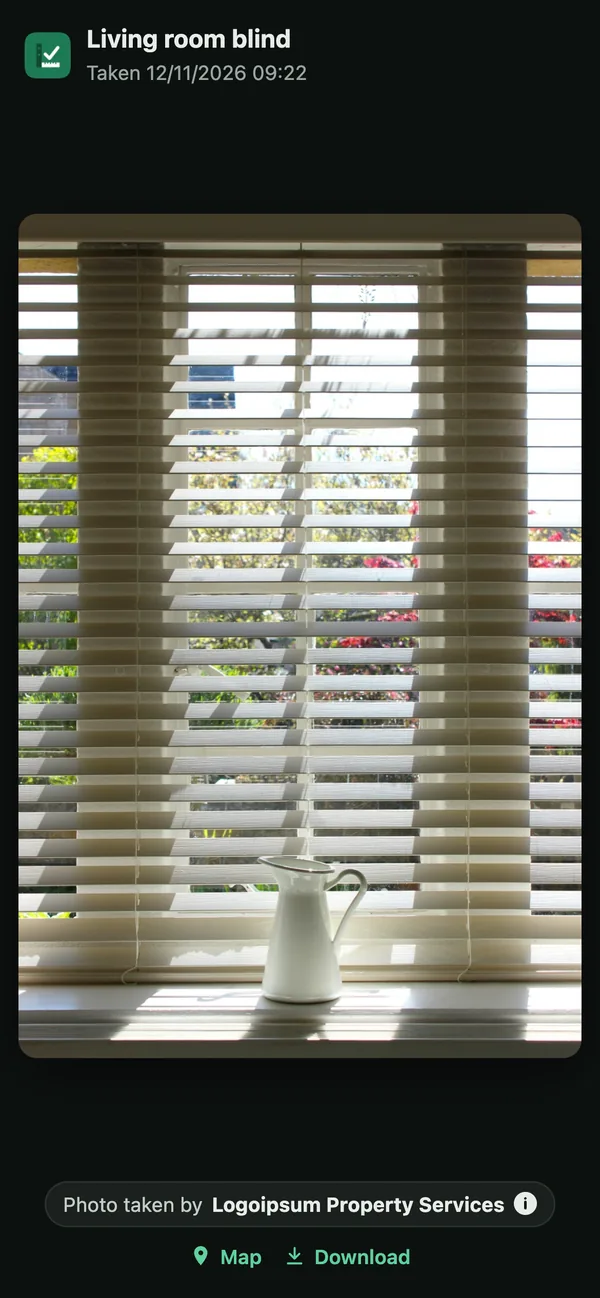
| Photo | The photo full size, with its caption and the time it was taken. Map and Download links. |
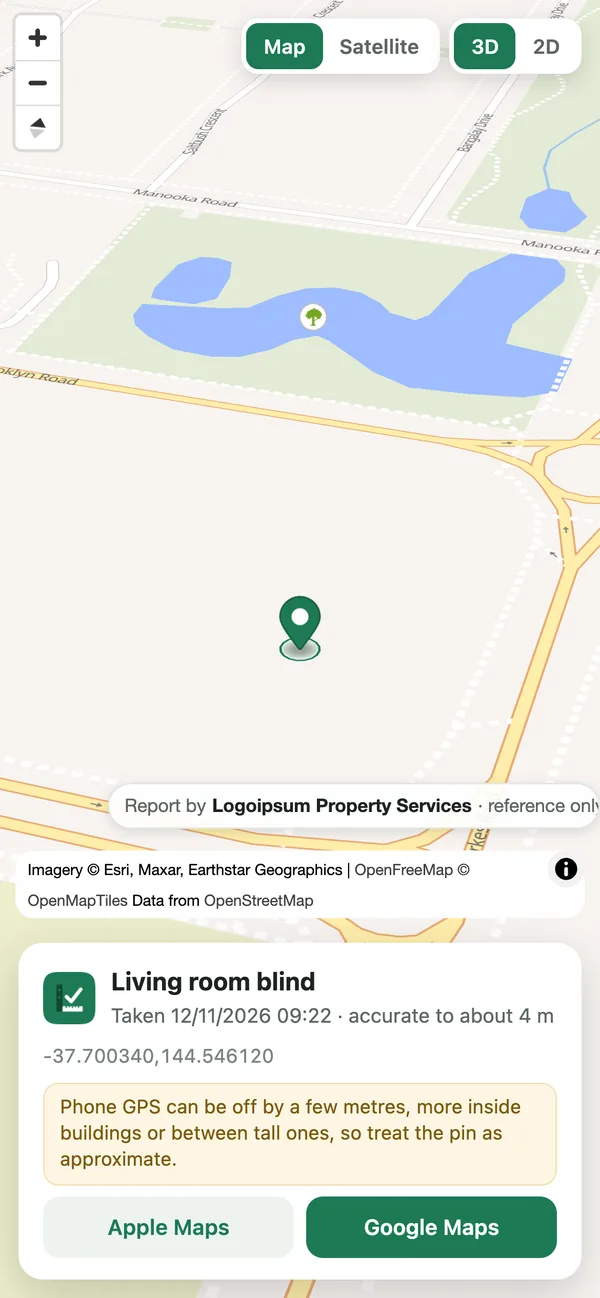
| Map | An interactive map with a pin where the photo was taken and how accurate the GPS was. Switch between Map and Satellite, and 3D and 2D. Buttons open Apple Maps or Google Maps. |
| Video | The video, ready to play, with a download link. |
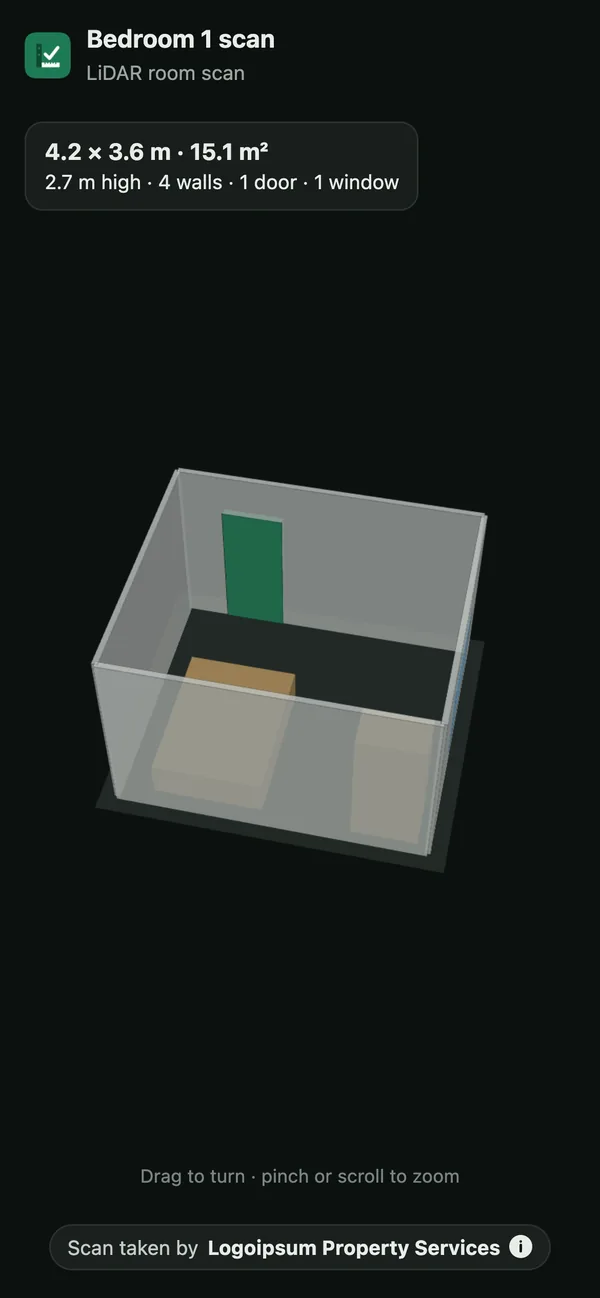
| 3D room scan | The room in 3D with its size, height, and walls, doors and windows. Drag to turn and pinch to zoom. Open in AR on supported devices, and Download 3D file. |
| Panorama | A 360° view to drag around, full screen, with the original photos and a download link. |