 Formbench
Inspection reports,
done properly.
Build the form and design the PDF in one place. Techs fill it in on site on iPhone or iPad, and the finished report lands on the ServiceM8 job.
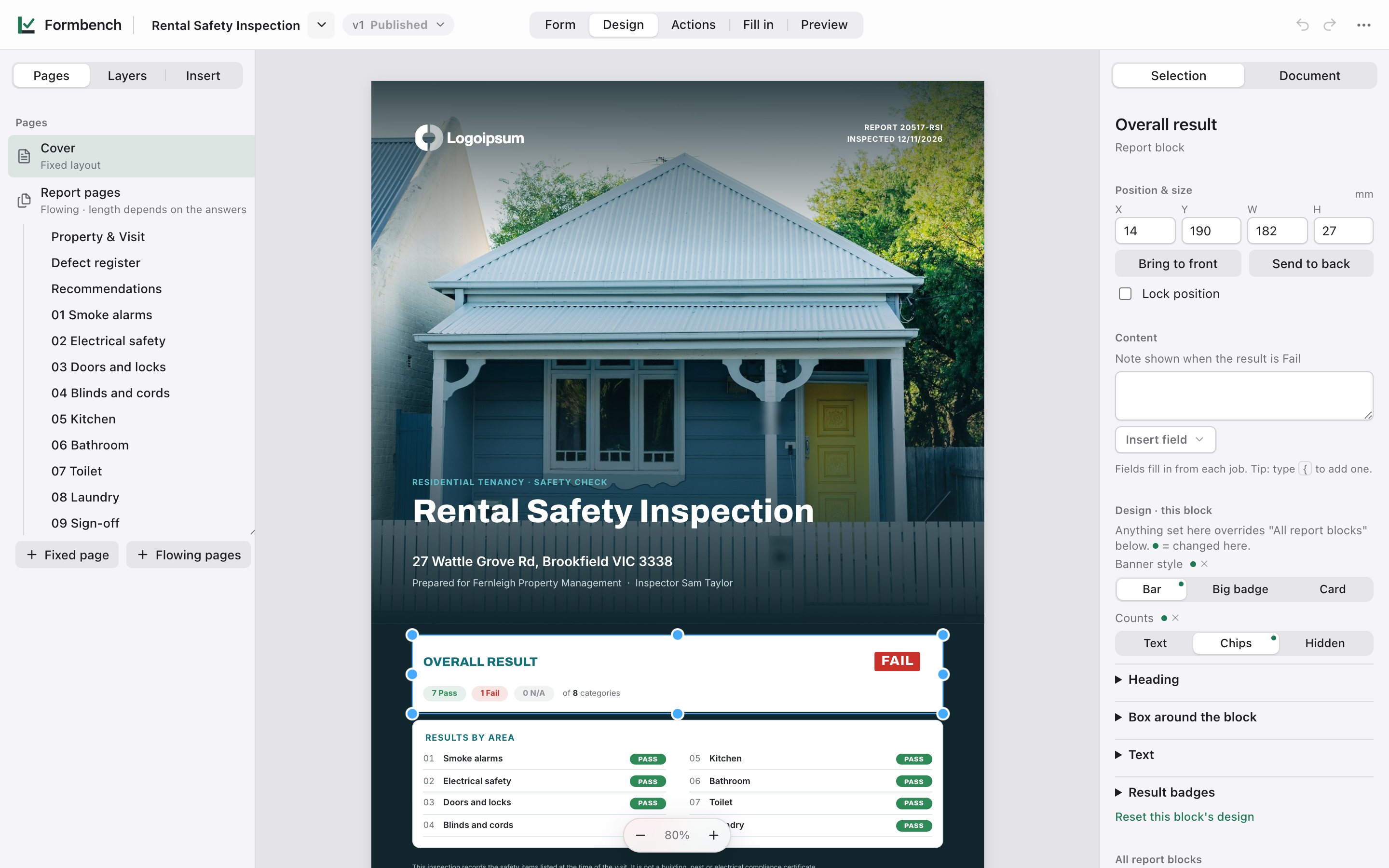
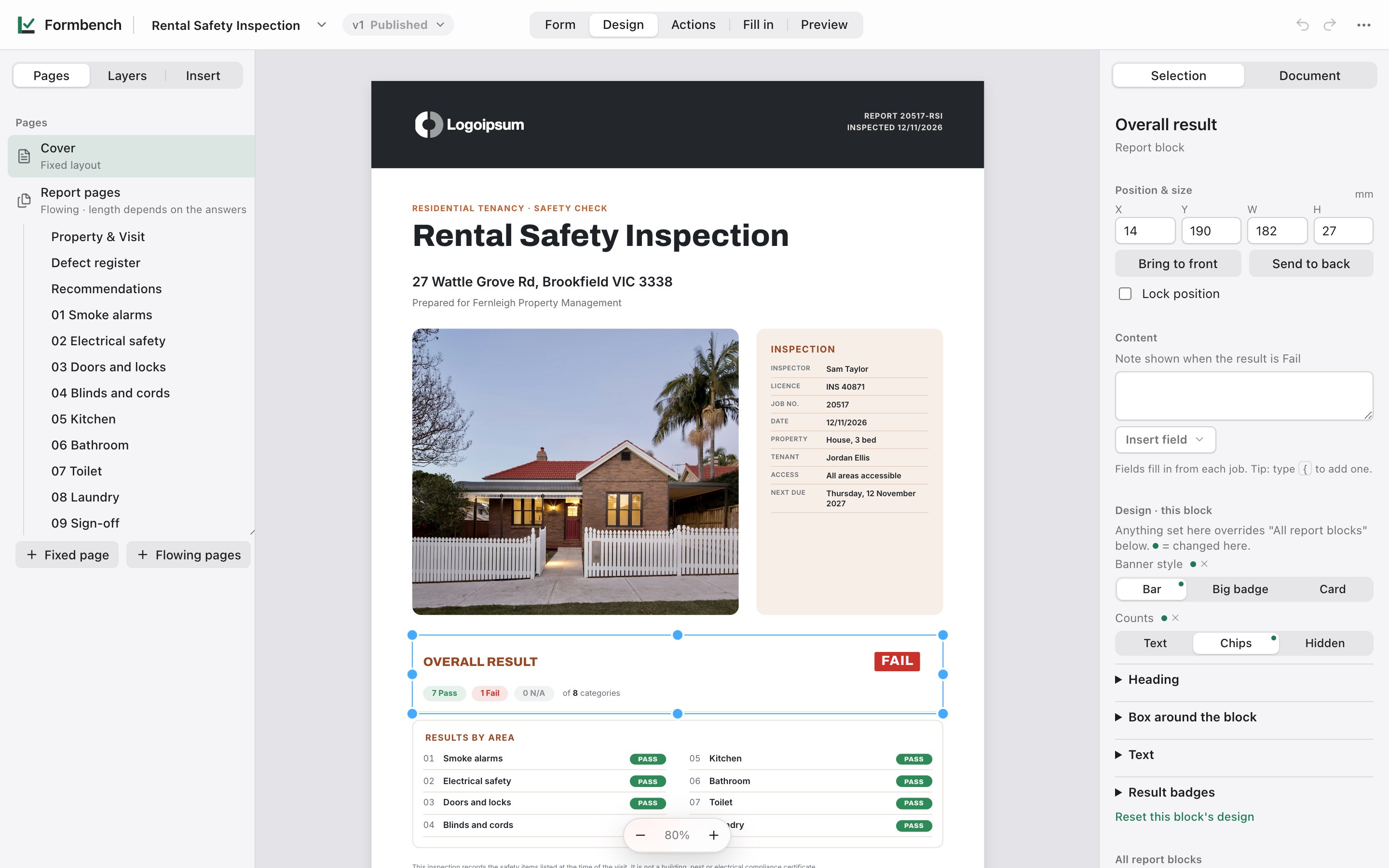
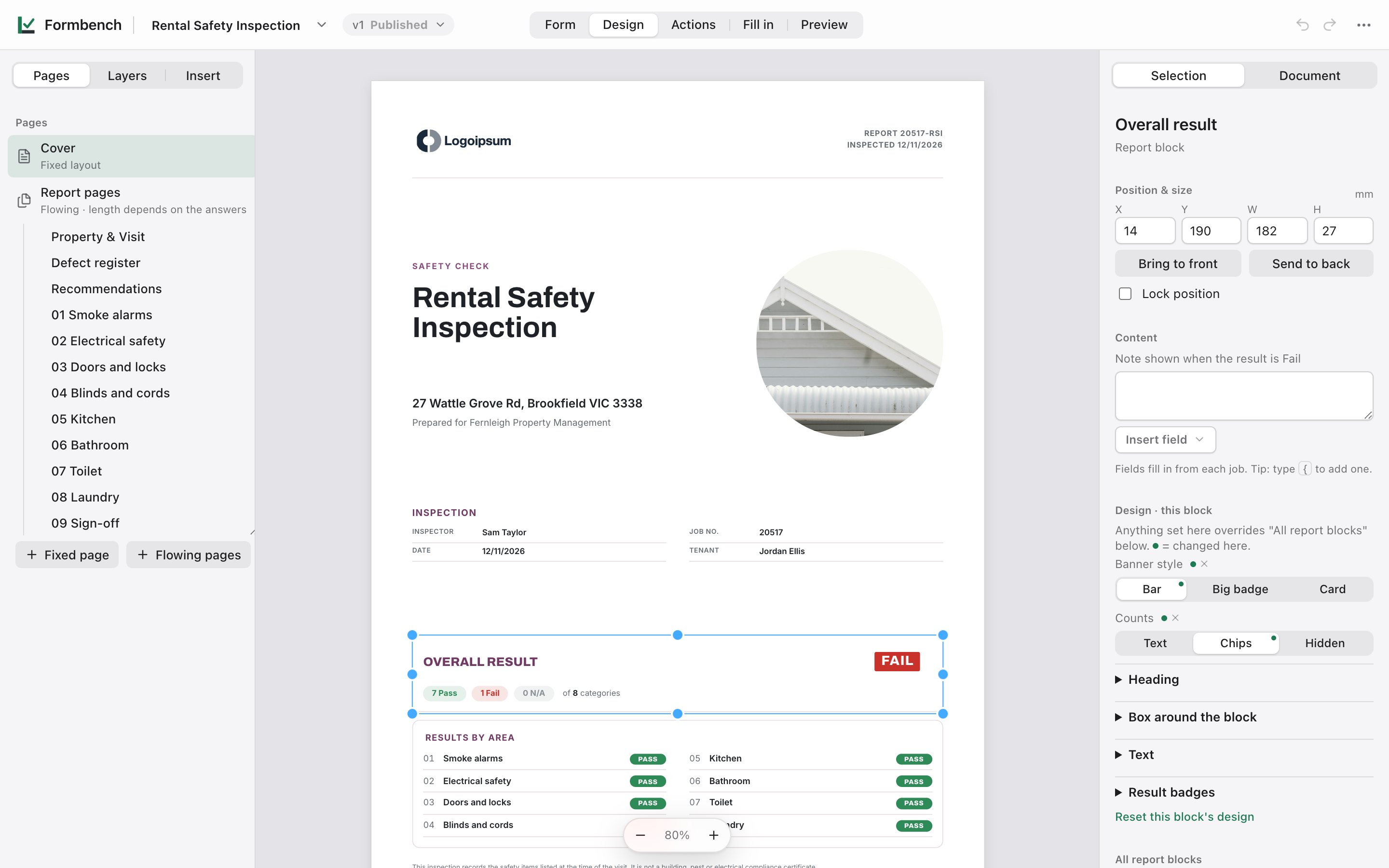
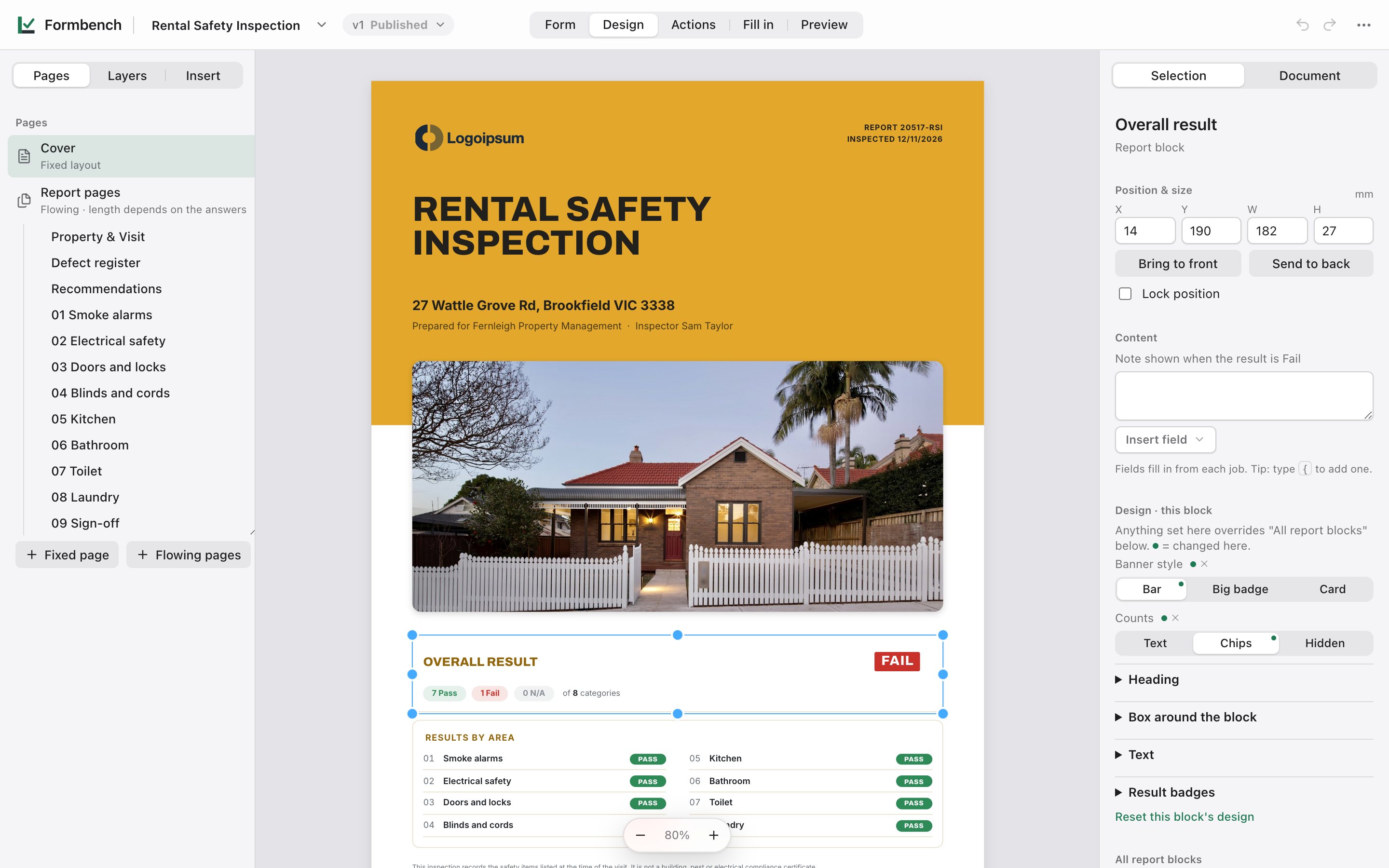
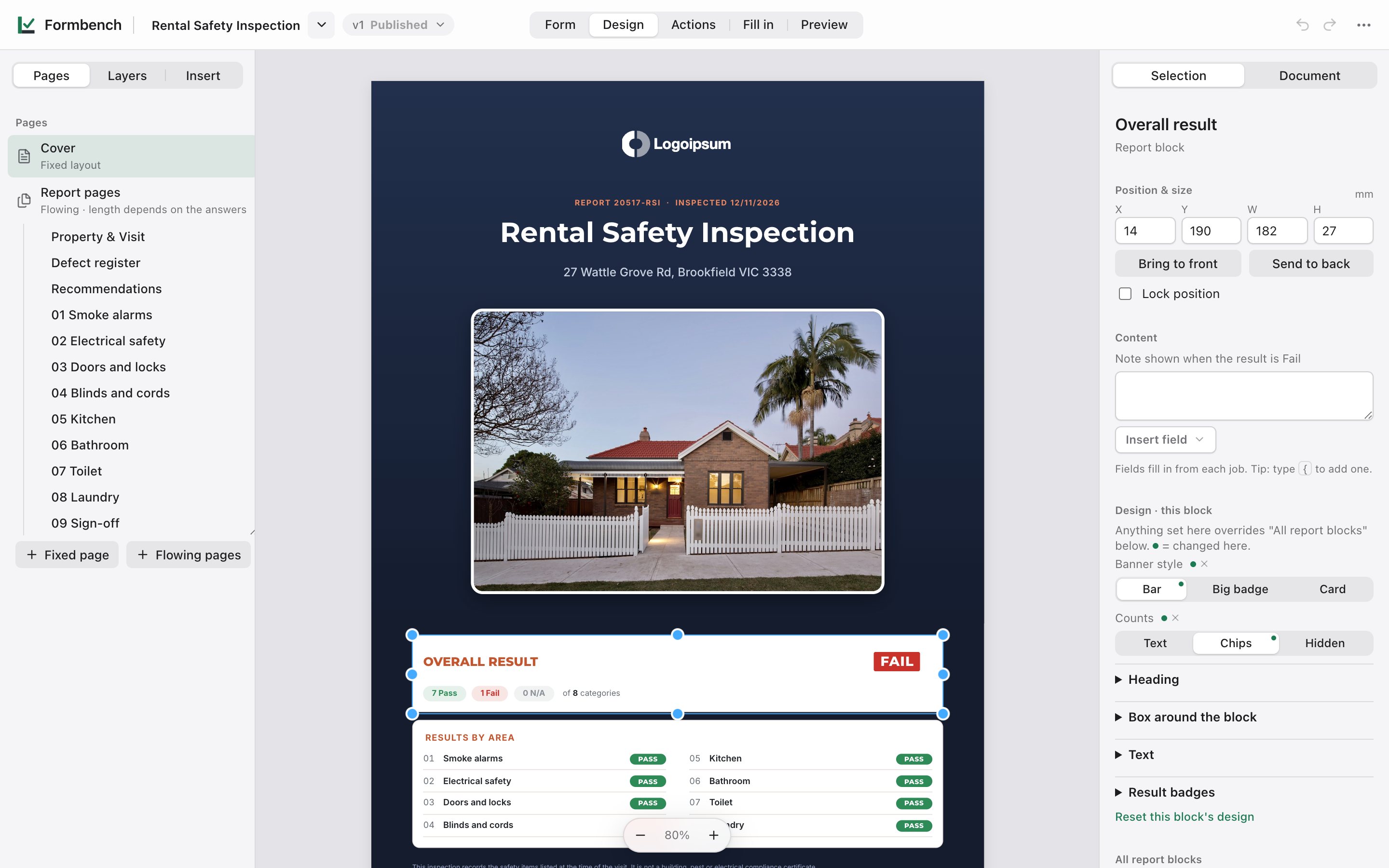
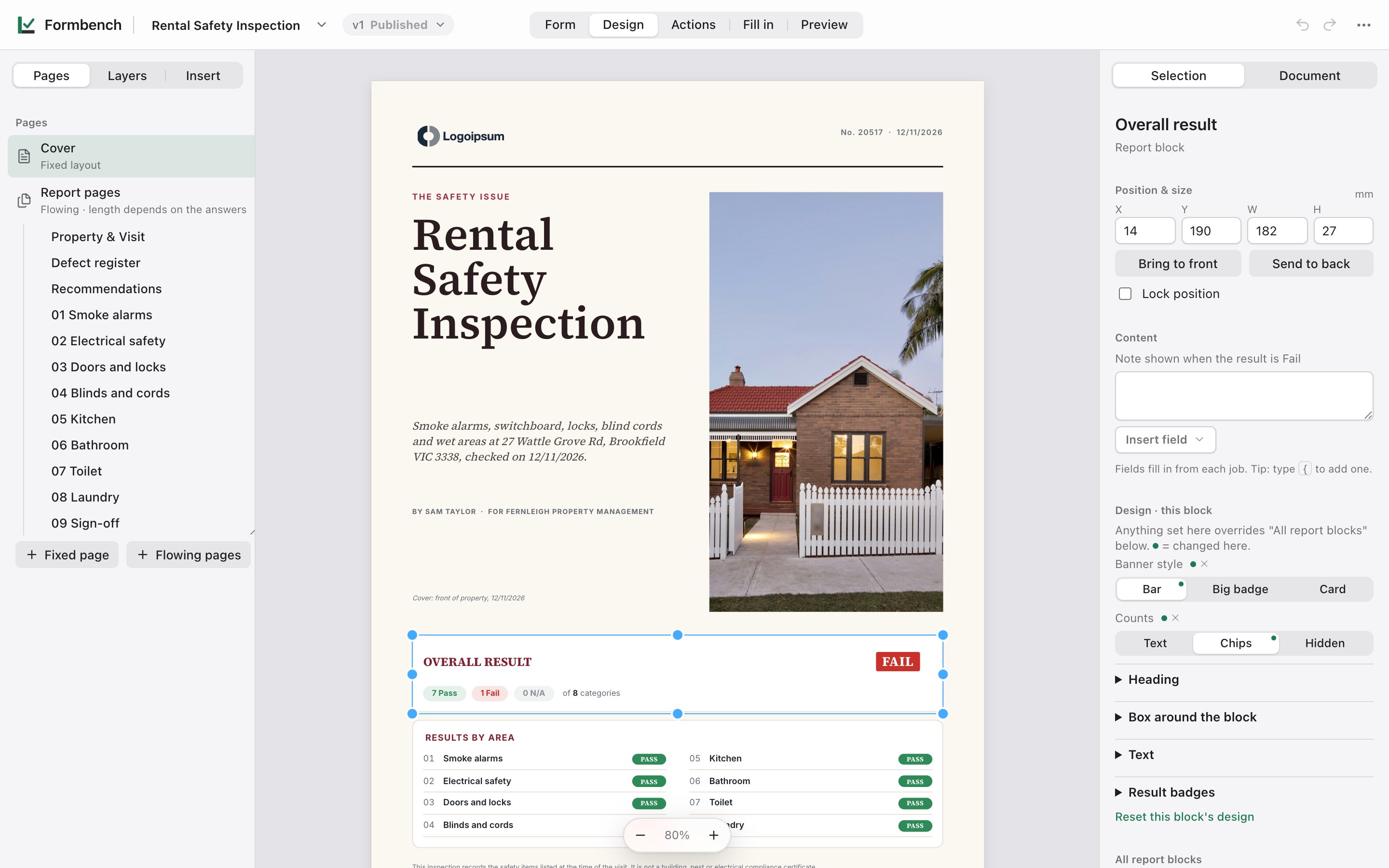
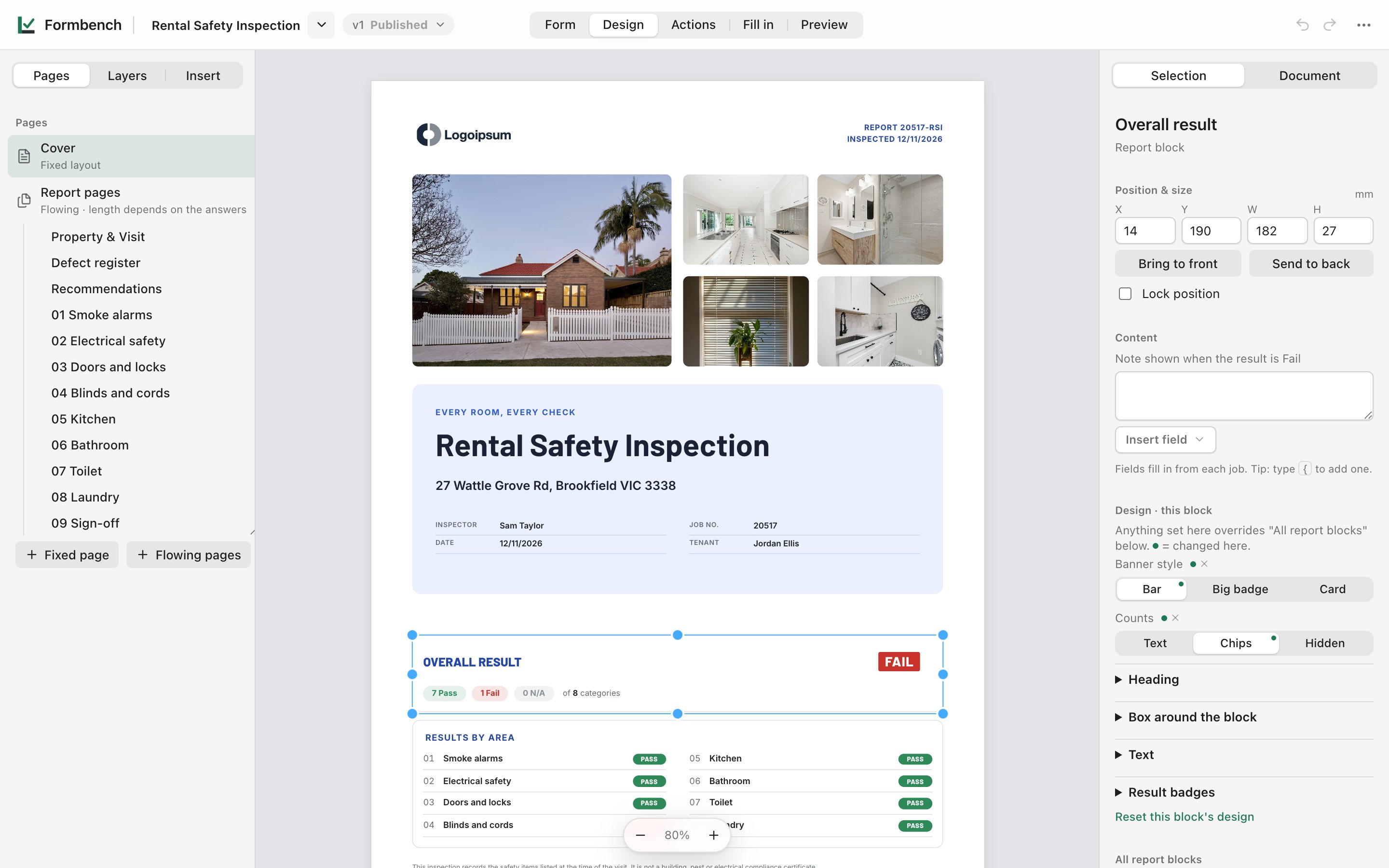
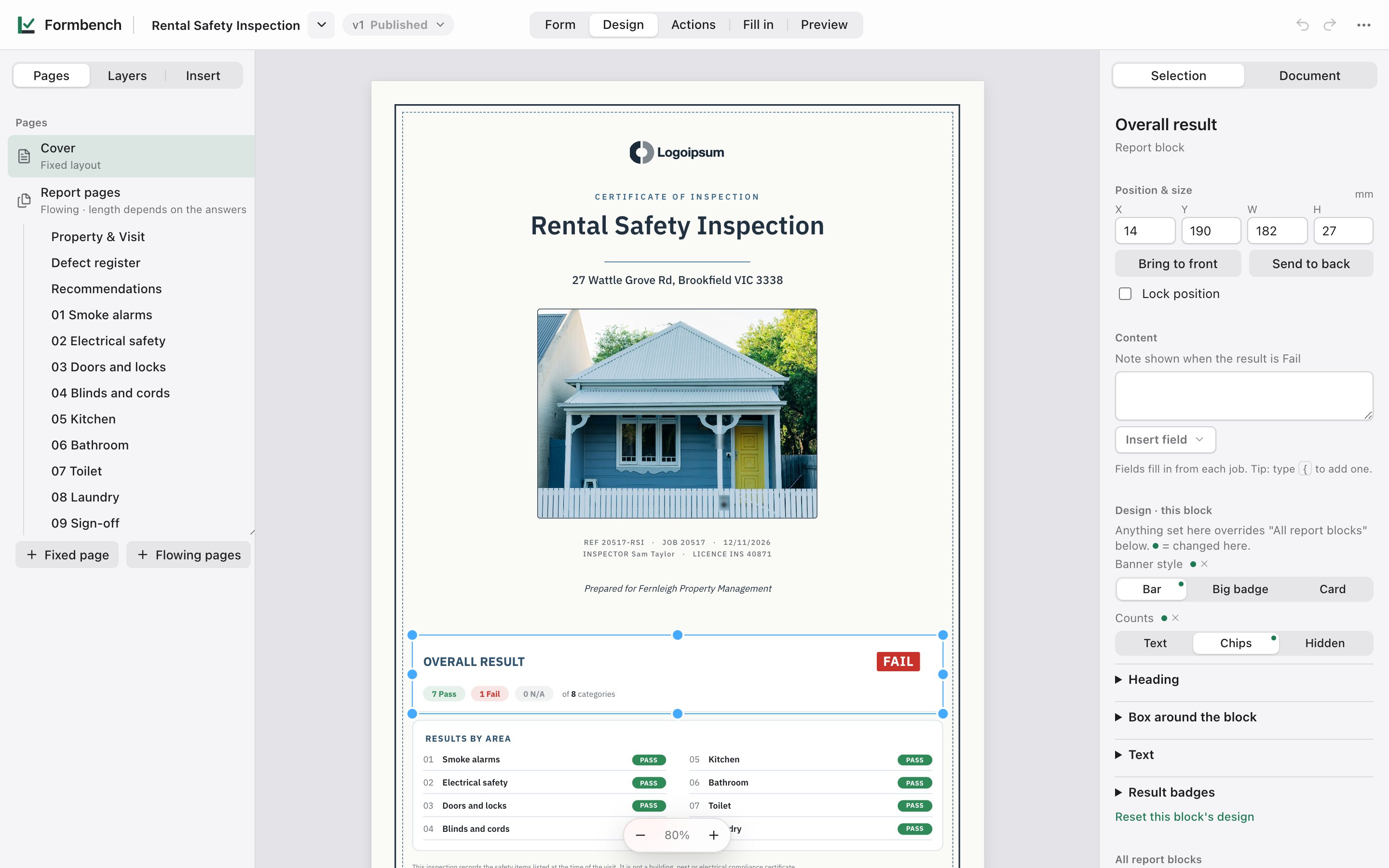
Same report, eight covers. Change it in the designer.
Easier than merge fields. More than a checklist. A real report designer, repeatable sections, defects that number themselves and question types ServiceM8 forms don’t have.
Design the report.
See the real PDF.
Your logo and colours, a cover with the overall result, a defect register and photo grids. Design it once and every job comes out looking this good.


Blocks, not merge fields
Cover, results summary, defect register, photo grids. Place them on the page and they fill in from every job.
The real PDF, live
The preview is the actual PDF your client gets, updating as you design. No guessing, no test jobs.
Fixed cover, flowing pages
Lay the cover out to the millimetre. Report pages flow to fit however many rooms and photos the job has.
Made for
the job site.
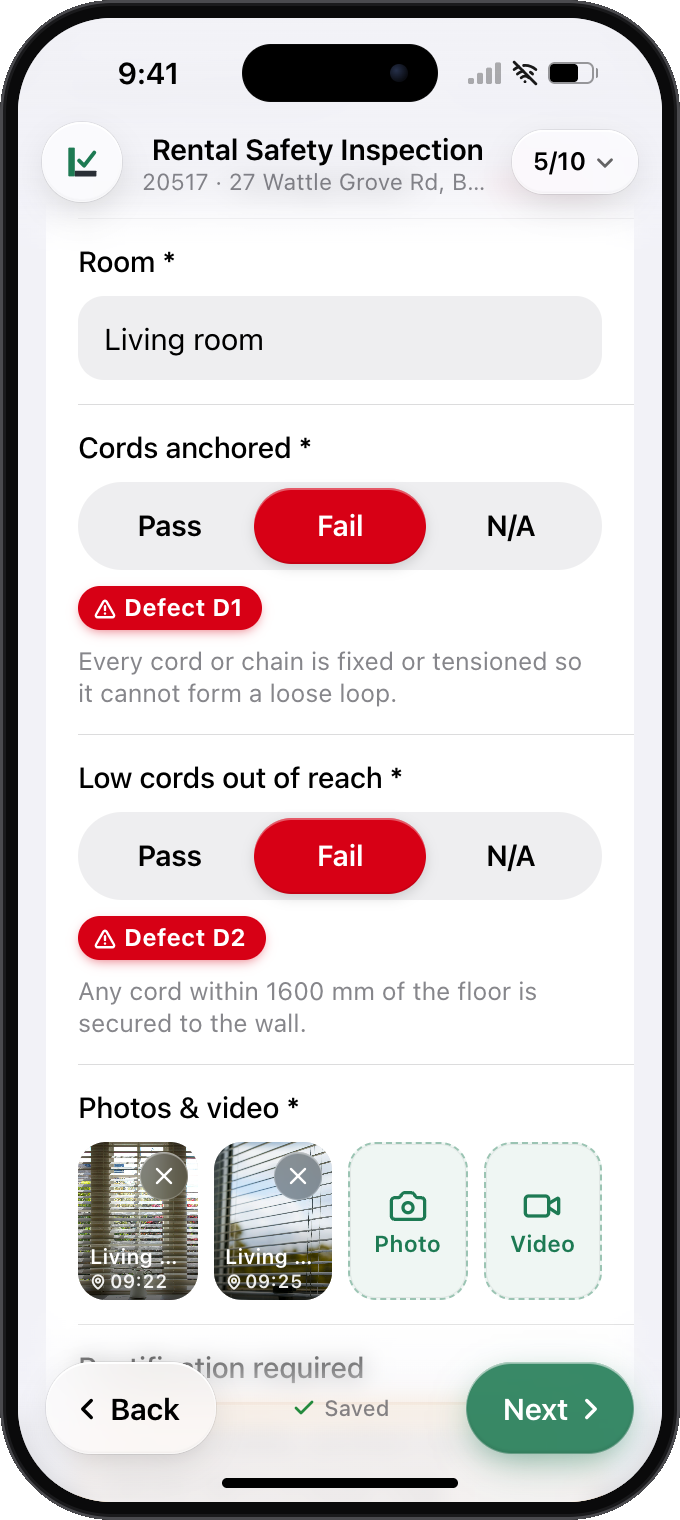
Techs tap Formbench on the job and the form opens in the app. Big buttons, one section at a time.
- Pass, fail or N/A in one tapA fail raises a numbered defect straight away, with the fix worded for you.
- Photos stamped with time and placeEach photo carries the time and GPS location, with a map link in the report.
- Every answer saved as you goAnswers and photos keep on the phone and sync when you are back in range.
- Signed in with ServiceM8Techs use the ServiceM8 account they already have. No new passwords.
Everything a
report needs.
Everything you do in ServiceM8 forms today, plus the things they can’t do.
Add another room on site.
Each room, door or window gets its own questions, photos and result. No “Room 1, Room 2, Room 3” to build by hand.
Defects number themselves.
A fail raises the next defect number, adds the fix and puts it in the defect register.
Sign on the glass.
Rate it out of five.

Photos that stand up.
Every photo is stamped with the time and GPS location, links to a map pin, and can be marked up with arrows and notes.
Drop a pin on the map.
Stitch the whole view.
Scan the room in 3D.
On a LiDAR iPhone or iPad, walk the room and capture it in 3D. Open the scan from the report in a 3D viewer in the browser.
View in 3DNo job yet? Start anyway.
Start a draft on site with no job and no signal, then link it to the ServiceM8 job later.
No new
passwords.
Techs sign in with the ServiceM8 account they already have.
From the job.
Back to the job.
Set it up once. After that, your techs just tap the button on the job.
Add it to ServiceM8Install Formbench from the ServiceM8 Add-on Store.
Build your formsStart fresh, or import the ServiceM8 forms you use now.
Then, on every job
01Tap Formbench on the job
Right from the ServiceM8 job card.
02Fill it in on site
Photos upload to the job as they are taken.
03The PDF lands on the job
Ready to send to the client from ServiceM8.
 Pricing
One price.
Your whole team.
No per-user fees. Every feature, every form, every report, for one ServiceM8 account.
AUD, inc. GST. Per ServiceM8 account.
- Up to 50 usersOffice and field staff, all included.
- Unlimited forms and reports
- Every question typeSignatures, site maps, ratings, panoramas and LiDAR room scans.
- Works on any phone or tabletIn the browser today. The iPhone and iPad app is coming to the App Store.
- We build your first report with youSend us the form you use now. Included once you subscribe, not during the trial.
More than 50 users? Fair use applies. Talk to us about enterprise pricing